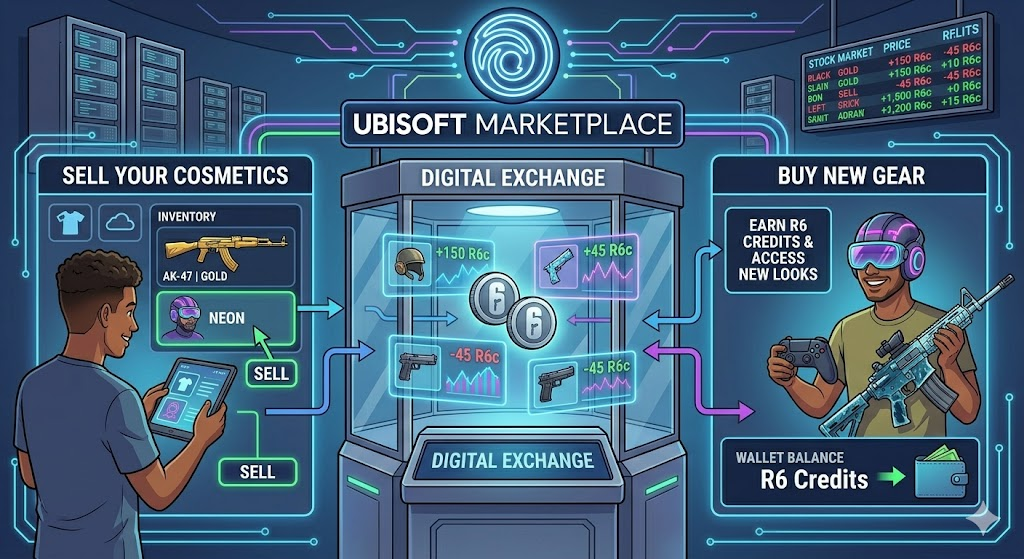
Have you ever played a game and wished you could trade your extra items with friends? The Ubisoft Marketplace lets you do exactly that. It is an official website where players can trade cosmetic items safely.
Instead of letting old weapon skins sit in your inventory, you can put them up for sale. You will earn R6 Credits which you can use to buy new gear. It works a lot like a real-world stock market but for video game fun. Let’s dive in and look at how it works.
What is the Platform?
The ubisoft marketplace is a special website made by the game developers. It lets players trade items from popular games like Rainbow Six Siege. You do not need to use shady third-party websites anymore.
Everything stays connected to your main account. You can trade headgear, weapon charms, and rare uniforms safely. The system uses R6 Credits as the main currency. It is simple, fast, and fully supported by the team behind your favorite games.
Why Trade Your Digital Items?
Trading is a great way to clean out your digital closet. If you never use a specific operator skin, why keep it? By using the ubisoft marketplace, you can sell that item to someone who really wants it.
In return, you get credits to buy a skin you actually like. I once sold an old shield skin I never used and bought a cool helmet for my favorite character. It feels great to give your old items a new home while upgrading your own look.
How to Get Access Easily
You cannot just jump in on day one. Ubisoft wants to keep the system safe from bots and cheaters. First, your account must reach clearance level 25. Second, you must turn on Two-Factor Authentication for security.
Once you meet these simple rules, you can log in and sign up for the platform. You might have to wait a short time for approval, but you will get an email when you are in.
Buying Items Made Simple
Buying new gear is very fun. You just go to the buy tab and search for the item you want. You can set the maximum price you are willing to pay.
If someone is selling it for that price, the system makes the trade automatically. It is super easy and helps you find those rare items you missed out on during older game seasons.
Selling Your Unwanted Gear
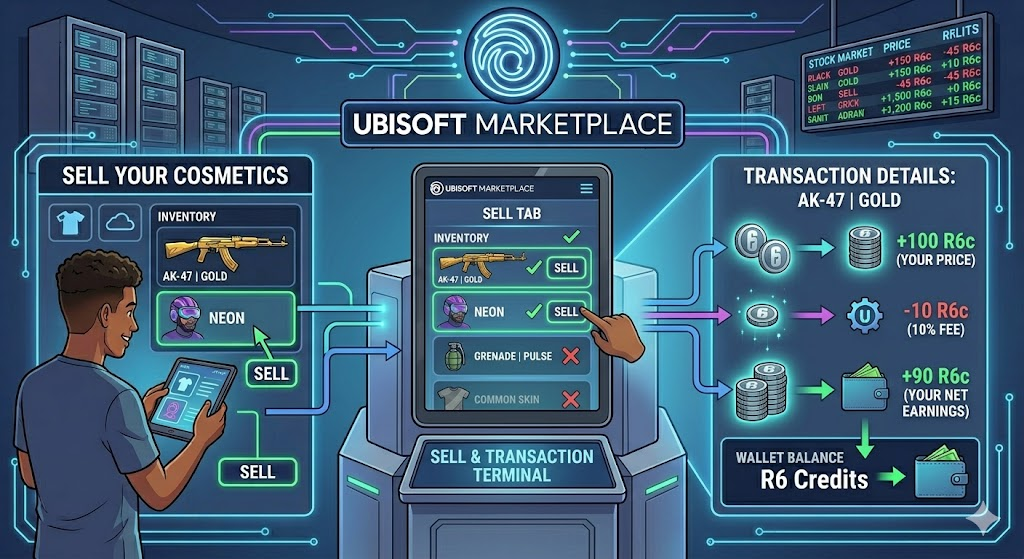
Selling your items takes just a few clicks. You go to the sell tab to see which of your items can be traded. Not every item in your inventory can be sold, so make sure to check.
Pick your price, confirm the sale, and wait for a buyer. The system takes a tiny ten percent fee, but you get to keep the rest of the credits for your future purchases.
Important Rules to Remember
Every good market has rules to keep things fair. First, there is a fifteen-day cooldown period after you buy an item before you can sell it again. This stops people from cheating the system.
Also, your active orders will only stay open for thirty days before they expire. Keep these simple time limits in mind so your trades go through without any trouble.
Keeping Your Account Safe
Safety is super important when dealing with digital money. Always keep your password safe and never share your login details with anyone. The real ubisoft marketplace only runs through the official web page.
Do not click on strange links from strangers promising free credits. By staying smart, you protect your hard-earned credits and your game account from bad actors.
Fixing Common Trader Mistakes
Sometimes new traders make small mistakes, like setting the wrong price. Do not panic if this happens to you. You can easily change or cancel an active order from your transaction page.
Just remember that once a trade finishes, you cannot undo it or get a refund. Always double-check your numbers before you click that final confirm button.
Fun Tips for Smart Trading
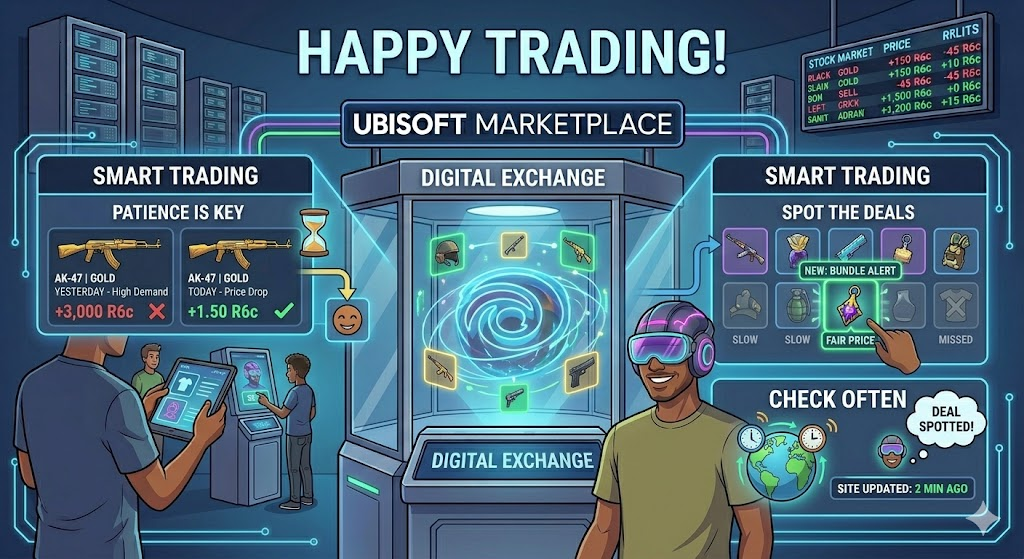
Want to get the best deals? Be patient. Prices change every day based on what people want. If a skin is very popular, it will cost more credits.
Try to look for bundles or items that are priced fairly. Checking the site often will help you spot great deals before anyone else does. Happy trading!
Detailing Table
| Feature | Details |
| Main Platform | Official Web Browser Interface |
| Required Level | Clearance Level 25 |
| Security Rule | Two-Factor Authentication Required |
| Currency | R6 Credits |
| Transaction Fee | 10% on Sales |
| Cooldown Period | 15 Days after purchase |
| Order Expiration | 30 Days |
Frequently Asked Questions
How do I put an item up for sale?
Go to the sell section, pick your item, set your price, and click sell. The system will find a matching buyer for you.
What is the transaction fee?
The system keeps a 10% fee from each sale to help run the platform. You get the other 90% right in your wallet.
Can I cancel an order after making it?
Yes, you can cancel or change any active order before it finishes from your transaction page.
Why are some items locked in my inventory?
Not every item in the game can be traded. Only special eligible items will show up on the trade platform screen.
How long do my sale orders stay active?
Your orders will stay active for thirty days. If no one buys your item in that time, the order will expire.
Do I need to download a special app?
No, you do not. The platform runs right inside your regular web browser on your computer or phone.
Conclusion
The ubisoft marketplace is an amazing way to trade gear and get the exact items you want. It brings the whole community together in a fun and secure way. Why not check your inventory today to see what you can trade? Dive in, follow the rules, and upgrade your game character today.
